NorthwindYour first week, in three minutes

Colossyan is an AI platform for training and enablement. Turn decks and documents into courses with AI avatar video, then export SCORM to the LMS you already use.
Bring a real document to the demo. Leave with a first draft.





 4.6 on G2 from 500+ reviews
Cora makes it much easier for experts to turn their knowledge into a strong initial draft
It was easy to go in, create an actor with a voice, and get the course back up and running. Faster than redoing the course...
We've been able to produce high-quality, engaging videos that have been integrated into our Learning Management System (LMS) successfully.
We've been able to replace an average of 10 hours of walkthrough meetings every month by generating a Colossyan video.

The ease of content update and cost savings are remarkable.

Scaling and maintaining content has been cost-prohibiting, but with Colossyan, we were able to cut around 90% of our video production costs.

Give Cora your existing policies, decks or SOPs and get a complete video plan back in minutes, with every scene yours to review and approve. Then ship it in 120+ languages, wrap it into a full course, or make it interactive, without opening another tool.
Cora reads your handbook, deck or help page, writes the script and lays out each scene. Nothing renders until you approve it. Start from a PDF, a PowerPoint or a web page.
AI Video Generator


Pick a language and the voice, captions and lip-sync follow, across the video, the on-screen text and every interaction. Same presenter, same timing, translated into 120+ languages.
Translation
US
Hi, I am Riley, and I will be your guide for the next three minutes.
Build modules, knowledge checks and pass marks in Colossyan Learn, then export SCORM to your LMS. When a policy changes, you update the lesson instead of rebuilding the course.
Colossyan LearnLearn the simple habits that protect your accounts, messages, and devices throughout the workday.
Most breaches start with an ordinary moment, a reused password, a link that looked internal, a laptop left unlocked. This lesson covers the defaults that remove those moments from your day.
Add branching scenarios, quizzes and clickable action buttons to the same video. Every choice reports back to your LMS as a tracked event.
Interactive video
US
Hi, I am Riley, and I will be your guide for the next three minutes.
Choose
Choose

| iSpring | | |
|---|---|---|
| Courses & tracking | ||
| Where you build | PowerPoint add-in on Windows; Cloud AI in the browser | Web app on any OS; no PowerPoint needed |
| AI course draft | AI Course Creator from TXT, PDF or DOCX | Cora drafts from Word, PDF, PowerPoint, images or video |
| Quizzes and role-plays | 14 question types; branching role-play dialogues | Question, matching, ranking blocks; branching in video |
| LMS export | SCORM 1.2 and 2004, AICC, xAPI, cmi5 | SCORM 1.2 for courses; SCORM 1.2 and 2004 for video |
| Video | ||
| AI avatar video | Cloud AI only, 45+ avatars; Suite desktop coming soon | On every plan; 300+ stock avatars, NEO 2 rendering |
| Your own presenter | Not documented on iSpring's pages | Instant avatar from 20 s of footage or a photo |
| AI voice | 53 languages; base Suite has no TTS after a trial | Stock voices on every plan; voice cloning in 30+ languages |
| Localise & keep current | ||
| Translation | Whole course, 70+ languages; overwrites the open course | Video script and on-screen text; versions stay linked |
| Multilingual delivery | One course copy per language to maintain | One player link with a language selector |
| Updating narration | Re-sync voice and animations by hand | Edit the script and regenerate; share link stays the same |
| Security & plans | ||
| Certifications | ISO 27001, ISO 27701, GDPR; SOC 2 not listed | SOC 2 Type II, GDPR; SSO on Enterprise |
| LMS | iSpring LMS sold separately | No LMS; SCORM to yours or a share link, unlimited viewers |
One web platform for decks, courses and video, on Mac or Windows, with unlimited viewers.
With iSpring
With Colossyan
Lesson 1 of 5 · 6 min
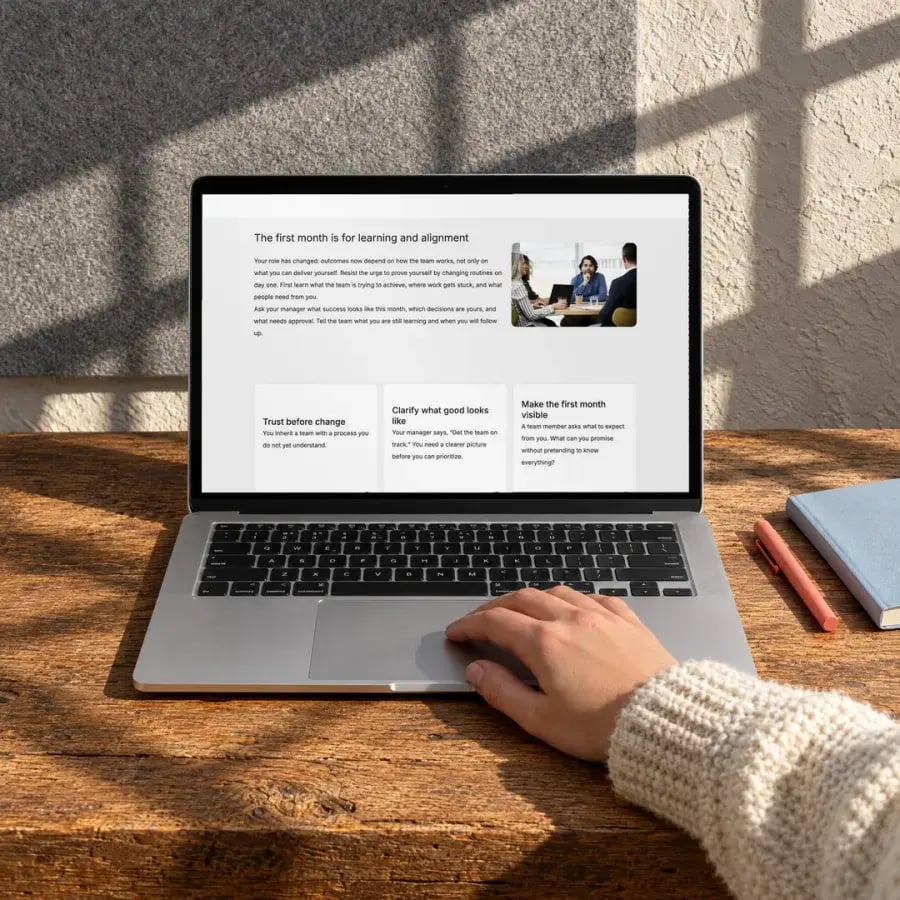
Build trust first.
How new managers earn their team’s trust in the first month.
How this course works
Five short lessons, one for each week of your first month. Each ends with a quick check.
Choose look
 Play
Brand kit
Add a block
The parts that usually take a second tool come with every course.
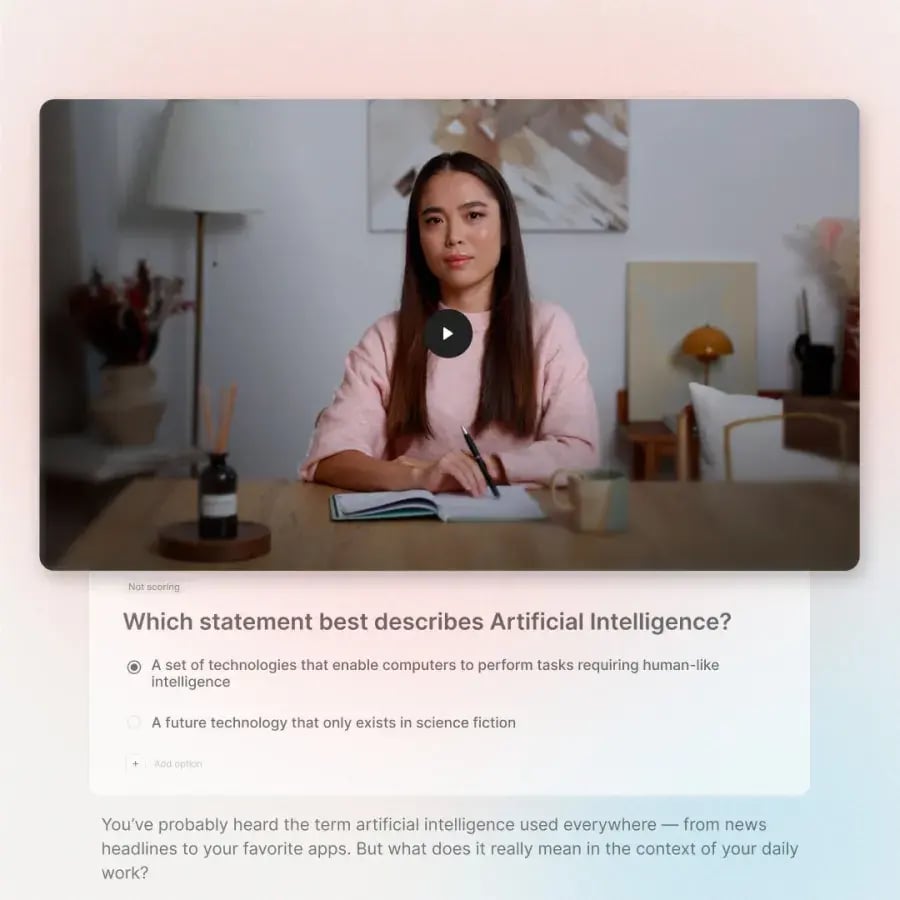
Avatar-led video drafts planned with the AI Video Generator. 300+ avatars, 120+ languages.
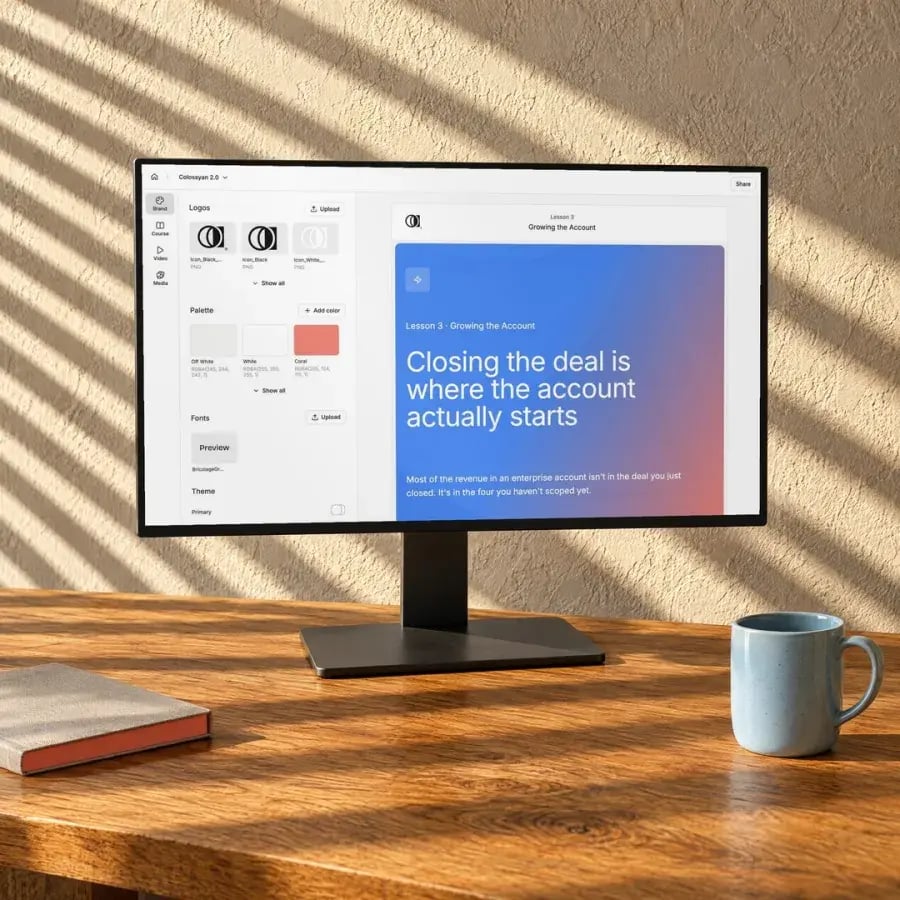
Pull colours, logo and fonts from your website into a brand kit Cora uses from the first draft.
Edit it or ask Cora, publish the changes, and new learners get the new version on the same link.
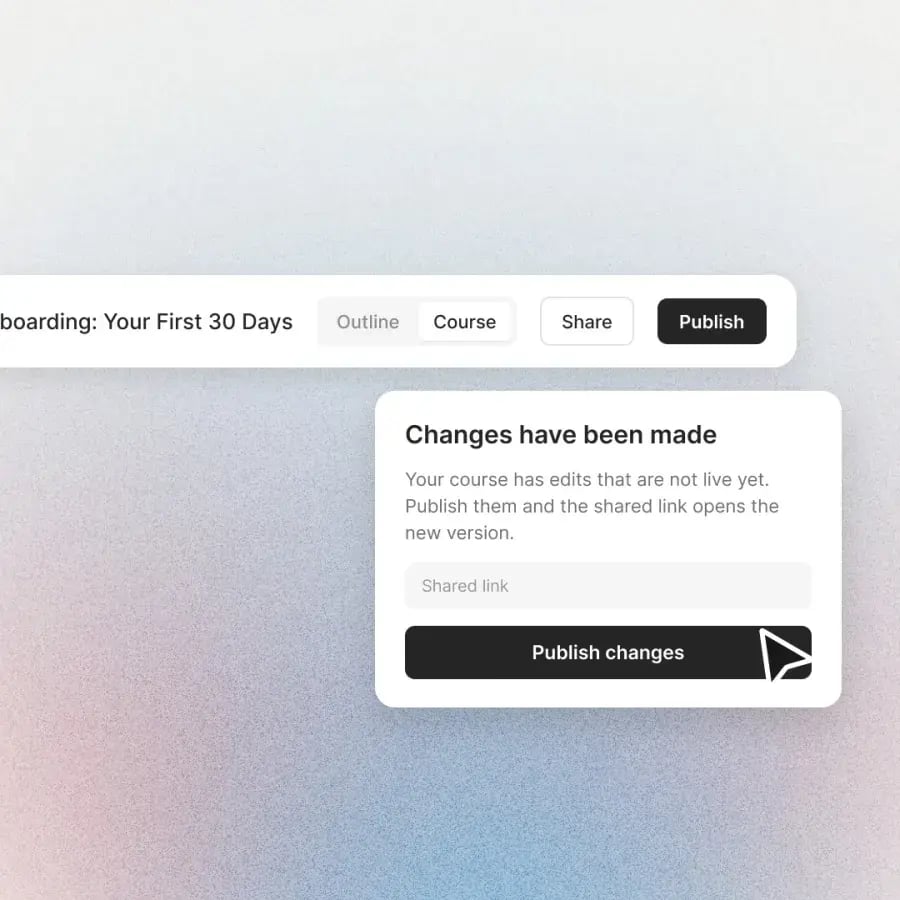
A link that opens with no login, or a SCORM 1.2 package with completion and pass mark.
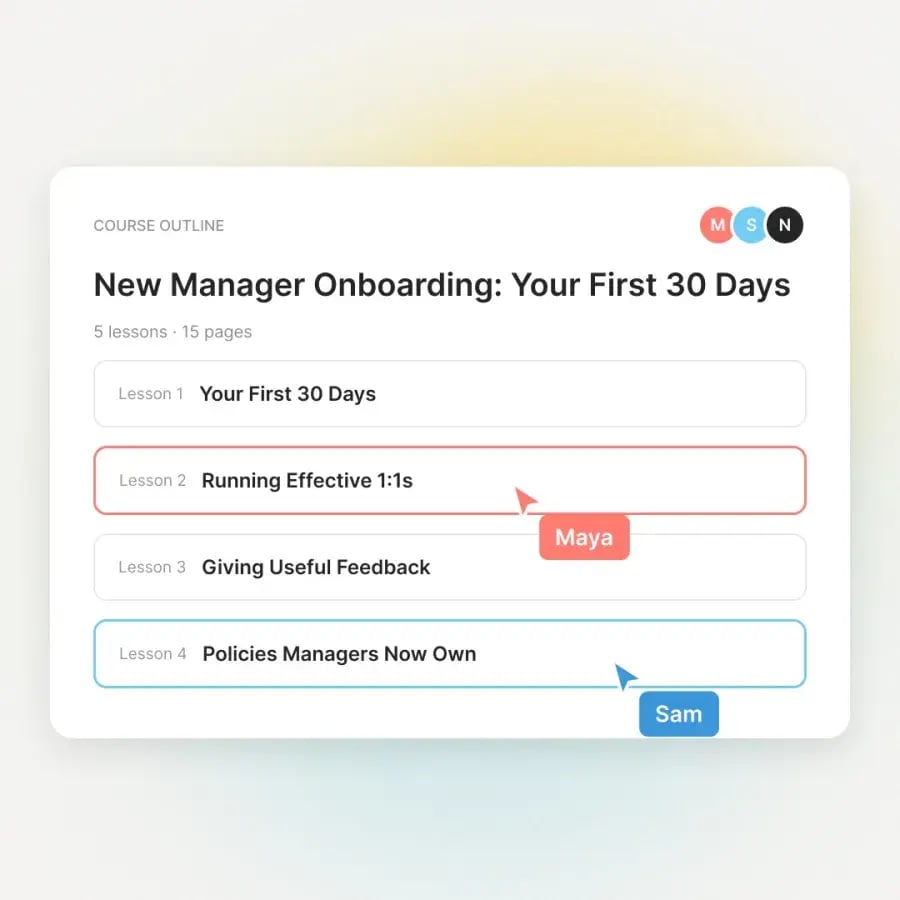
See who is in the course and edit side by side in real time.
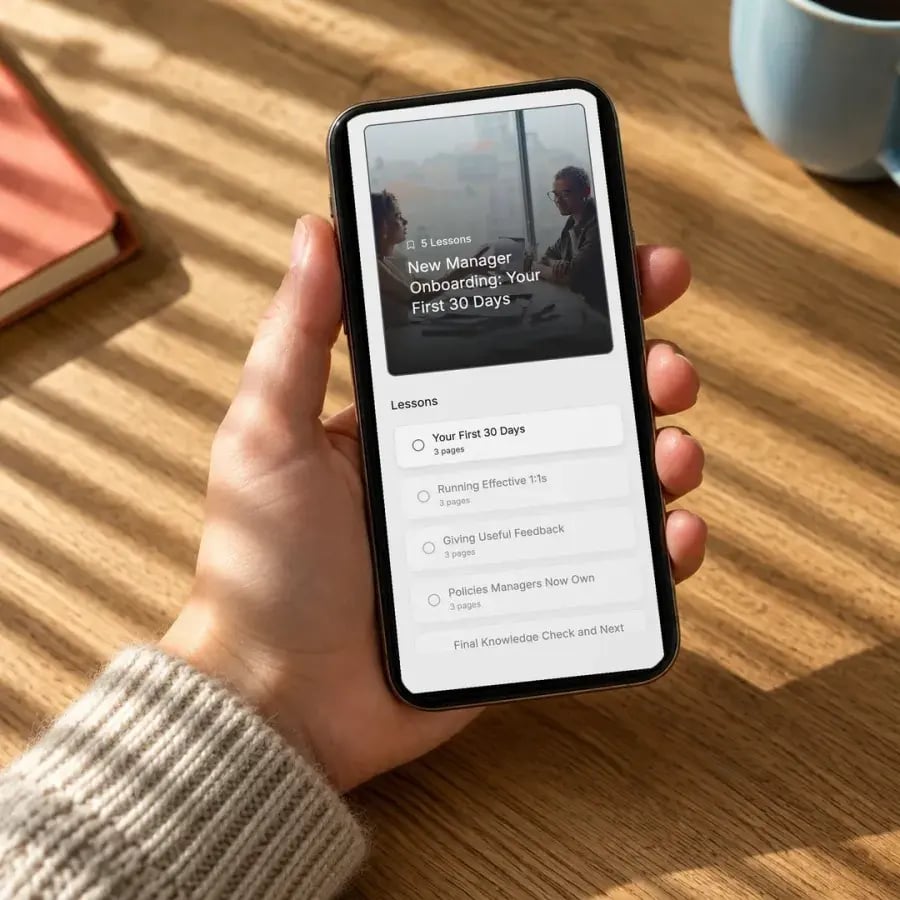
A mobile-friendly player that saves progress. No app to install.
Most teams still juggle an authoring tool, a video tool and a translation agency, so every update means starting over. Teams on Colossyan draft in an afternoon, keep the final say on every scene, and update without rebuilding. Here's how Paramount, AmeriSave and others made the switch.

 Media
10 hrs
of meetings replaced every month
“Reducing time in meetings, especially in a hybrid environment, has been a huge time and cost saver.”
Carmine ValenteVP of Information Security
Read the customer story

 Hospitality
80%
reduction in video production costs
“…translation capabilities have revolutionized our training processes…”
Kristin BroadheadDirector of Learning & Development
Read the customer story

 Financial services
70%
reduction in video production costs
“…creating a short video took around 4 hours. Now, it’s only an hour…”
Steffen HartungTrainer & Business Coach
Read the customer story

 Insurance
2–3x
faster communication than email
“For me, Colossyan makes communication 2, or even 3 times faster.”
 Rick SerranoHead of Strategy & People Transformation
Read the customer story

 Logistics
50%
more efficient onboarding
“…significantly improved our new hire training program productivity.”
 Franklina TawiahHR Project Manager
Read the customer story

 Healthcare
80–90%
time and cost savings on video production
“…we can now deliver neuroscientific training 80–90% quicker…”
Torsten SeelbachFounder
Read the customer story

 Financial services
50%
time saved on video content creation
“…training material that never goes obsolete.”
 Magesh SarmaChief Information Officer
Read the customer story
Adapt your training videos into different languages, so every team gets the same content in the language they work in. Same presenter, same timing, new voice and lip sync.
Start free, upgrade when you need more minutes and seats.
For individual content creators
No credit card required
For professionals or small teams
+$30/mo per additional member
Companies scaling training and enablement
Custom pricing for your org
| Capability | Starter | Professional | Enterprise |
|---|---|---|---|
| 1. Preparation | |||
| AI video and course creator | |||
| Course outline editor | |||
| PPT, PDF import | |||
| 2. Creation | |||
| Stock avatars | 300+ | 300+ | 300+ |
| Stock voices | 700+ | 700+ | 700+ |
| Video minutes with NEO | 20/mo | 30/mo | Unlimited |
| Video minutes with NEO2 | 0.5/mo | 10/mo | Unlimited |
| Custom avatars | 15 | 20 | Unlimited |
| Cloned voices | 3 | 5 | Unlimited |
| Interactive videos | 10/mo | 15/mo | Unlimited |
| Course creation | Unlimited | Unlimited | Unlimited |
| Templates | |||
| Custom templates | |||
| Brand kits | |||
| Pronunciation library | |||
| Stock media assets | |||
| AI image generation | |||
| Screen recorder | |||
| Subtitles | |||
| Branded avatars | |||
| Conversational avatars | 1,000 min | ||
| Custom studio avatars | 1 included | ||
| API access | 360 min/yr | Custom | |
| 3. Review and Collaboration | |||
| Unlimited viewers | |||
| Maximum editor seats | 1 | 3 | Custom |
| Shared workspaces | |||
| Commenting | |||
| Draft and video sharing | |||
| Team permissions | |||
| 4. Localisation | |||
| Auto-translations | 15/mo | 20/mo | Unlimited |
| Language variants | |||
| 120+ supported languages | |||
| 5. Publish | |||
| Course SCORM export | 0 | 5/mo | Unlimited |
| Video SCORM export | 0 | 5/mo | Unlimited |
| Video resolution | Up to 1080p | Up to 1080p | Up to 4k |
| Watermark removal | |||
| Custom branded share page | |||
| HTML embedding | |||
| Multilingual videos | |||
| Video analytics | |||
| 6. Support and Security | |||
| Knowledgebase | |||
| Priority support 24/7 | |||
| Dedicated CSM | |||
| Custom SSO/SAML | |||
| EU or US Data residency | |||
Prices in USD.
4.6 on G2 from 500+ reviewsRed Dot Design Award winner 2025




Independently audited controls for security, availability and confidentiality.
Your data is processed and stored in line with EU data-protection standards.
Your content is never used to train our models. You stay in control.
SAML single sign-on and role-based access for your whole organization.
Yes, in iSpring Cloud AI, the browser tool, which added 45+ real-people avatars in September 2026. The desktop iSpring Suite add-in does not have them yet; iSpring says they are coming soon. Colossyan has AI avatar video on every plan, the free Starter plan included, and you can make an instant avatar from 20 seconds of footage.
Yes. Colossyan is a web app, so it works the same on Mac and Windows with no PowerPoint add-in. Upload a .pptx and each slide becomes a scene, or let Cora draft a full course from the deck. Courses export as SCORM 1.2 and videos as SCORM 1.2 or 2004, from the Professional plan.
Your PowerPoint decks come straight in: upload the .pptx and each slide becomes a scene. Published iSpring SCORM packages can be uploaded for Cora to rebuild as editable courses, but we have not tested iSpring output yet, so review the result. Quizzes and role-plays built inside iSpring projects may need rebuilding.
Yes. The Starter plan is free with no credit card, with unlimited courses, AI course drafts and 20 minutes of video a month. SCORM export starts on Professional, at $59 a month billed yearly, with 5 course and 5 video exports a month. Enterprise adds unlimited exports and single sign-on.
Colossyan holds a SOC 2 Type II report and is GDPR compliant. Data is encrypted in transit with TLS 1.3 and at rest with AES-256, and customer content is not used to train AI models. Enterprise adds SAML or OIDC single sign-on. Security teams can request the SOC 2 report and policies through our Trust Center.
It is a 30-minute call with our team. Bring a real document, deck or existing course, and we build a first draft with you, show how video, quizzes and SCORM export fit your LMS, and agree a scoped plan. If you would rather explore on your own first, start free with no card.
Bring a deck, document or SCORM export. Watch it become a course with AI video. Leave with a scoped plan.