




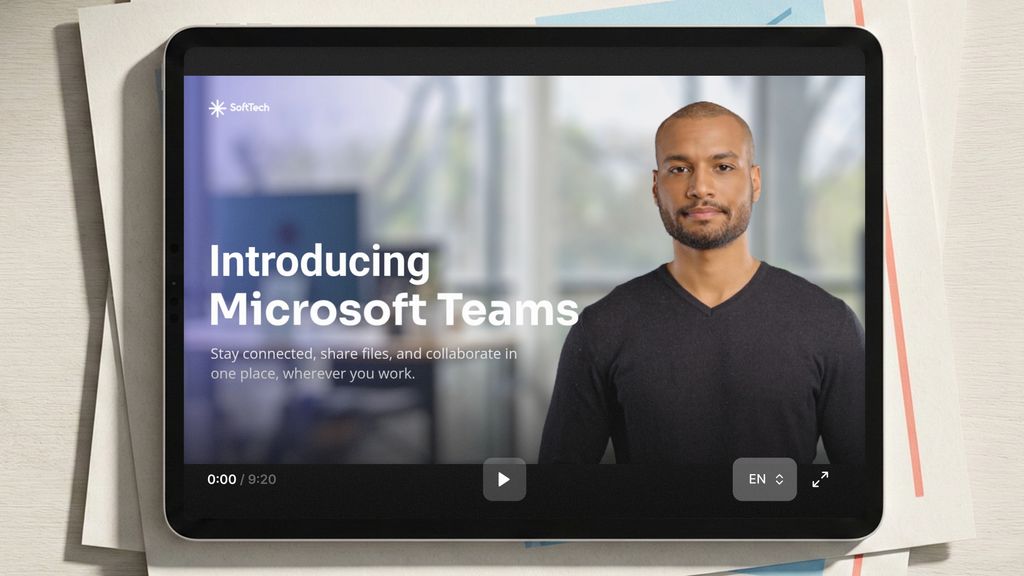
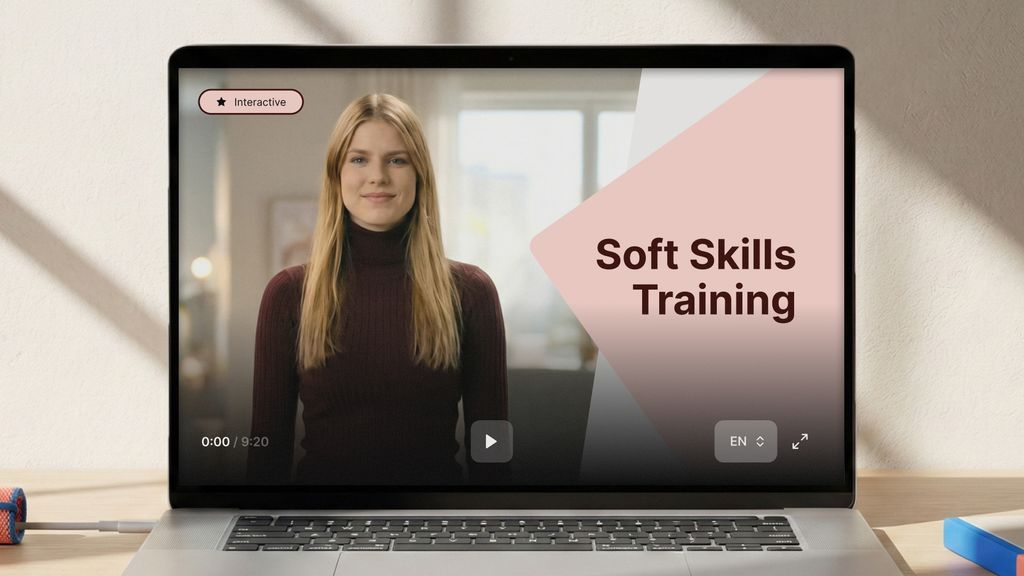
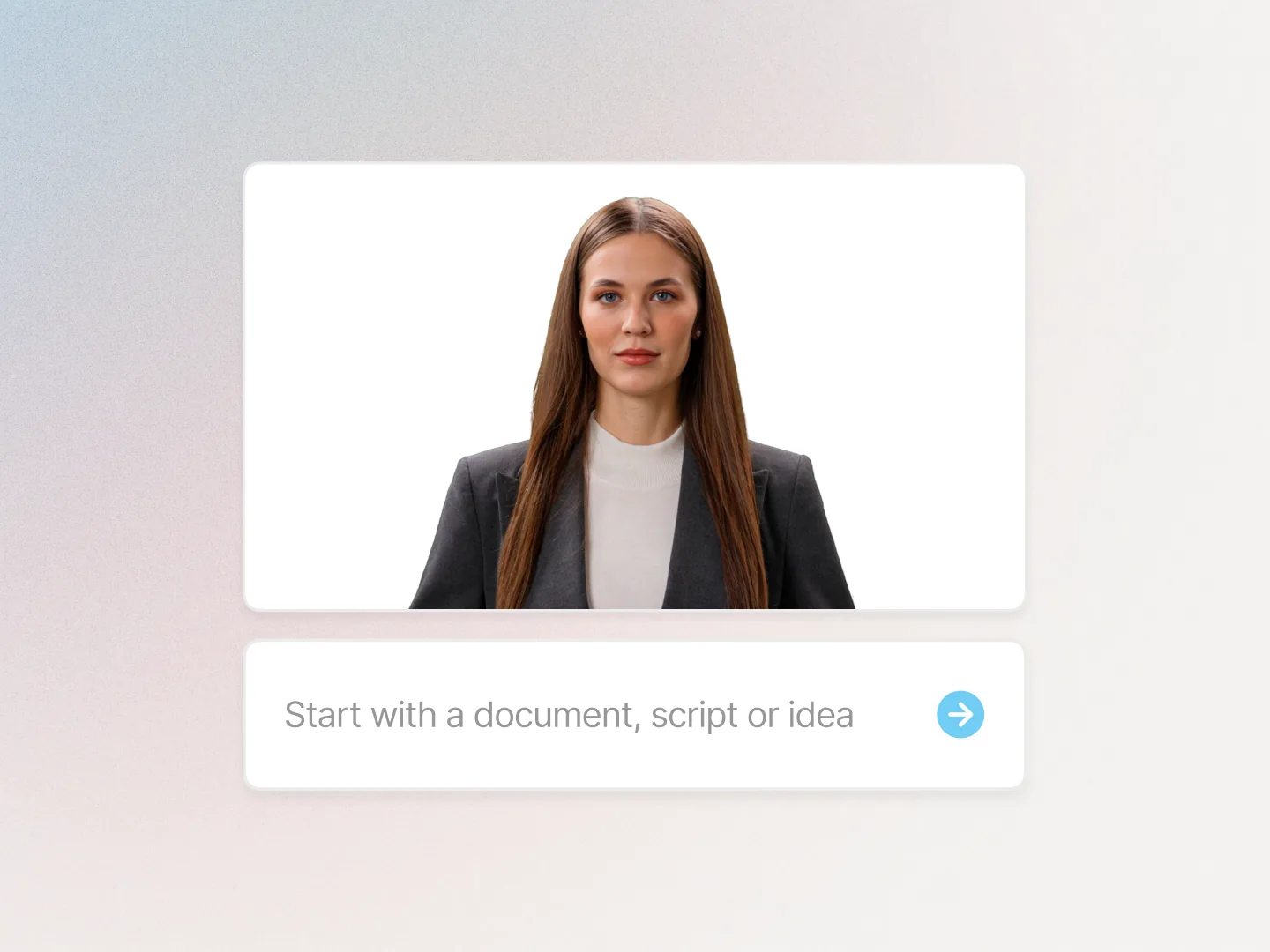
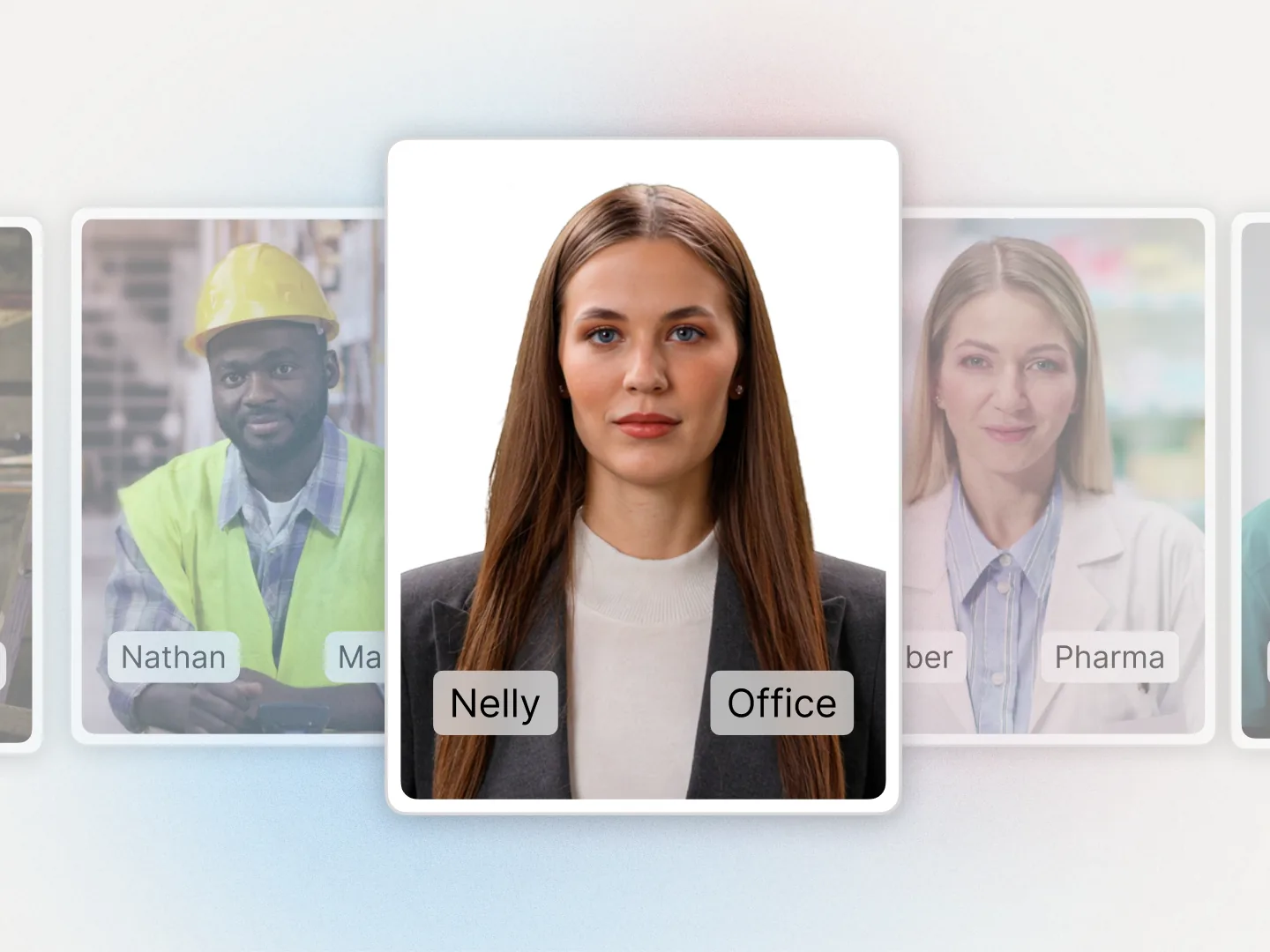

For L&D and instructional design teams

Interactive training videos with branching and quizzes, built for L&D teams.

Put the decision points and the knowledge checks inside the video itself, on a presenter rather than on a slide. Export SCORM and your LMS records who finished it and what they scored.

Muted Unmuted
G2 4.7 on G2, from 480+ reviews

Free plan, no credit card. Drafts and previews are free, so you can click through your first branching scene before you pay for anything.

What teams build with it

One project, every interactive module a team has to run.

Same avatars, same brand kit, same SCORM export. Start with the module people currently click through and forget.

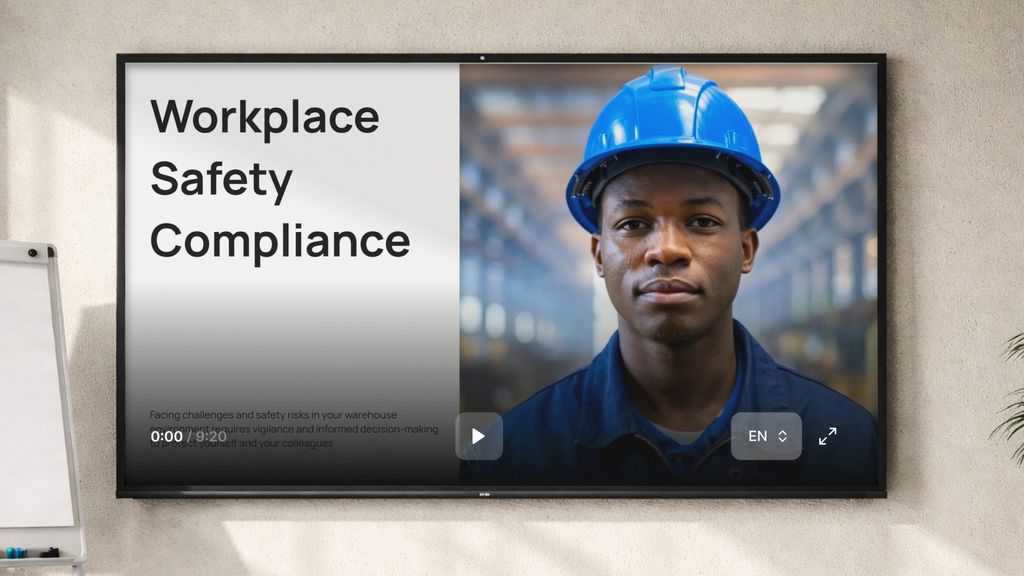
  • Compliance training training video made with Colossyan

    Compliance training

    The annual refresh without a re-shoot, and completion in the LMS.

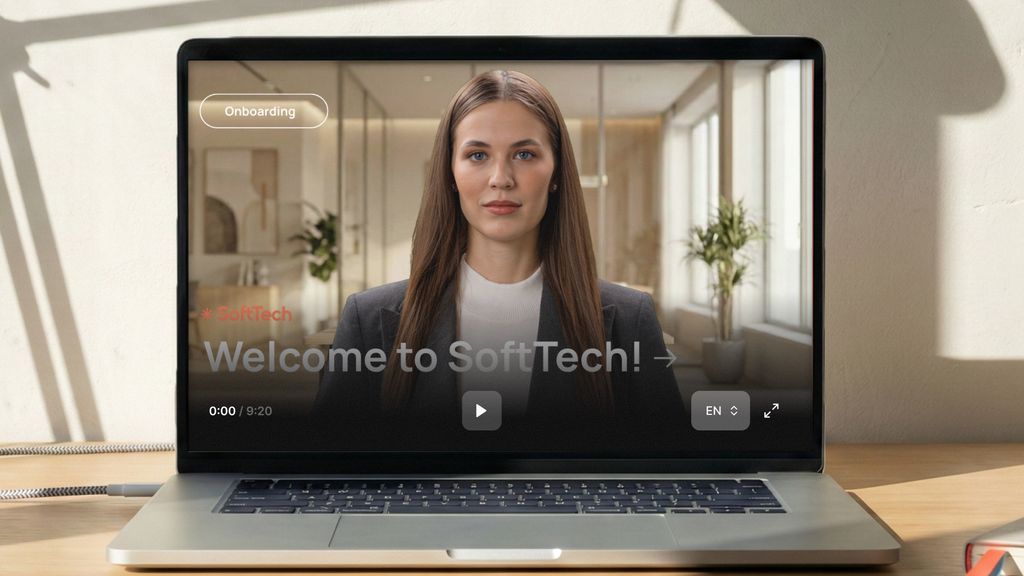
  • Employee onboarding training video made with Colossyan

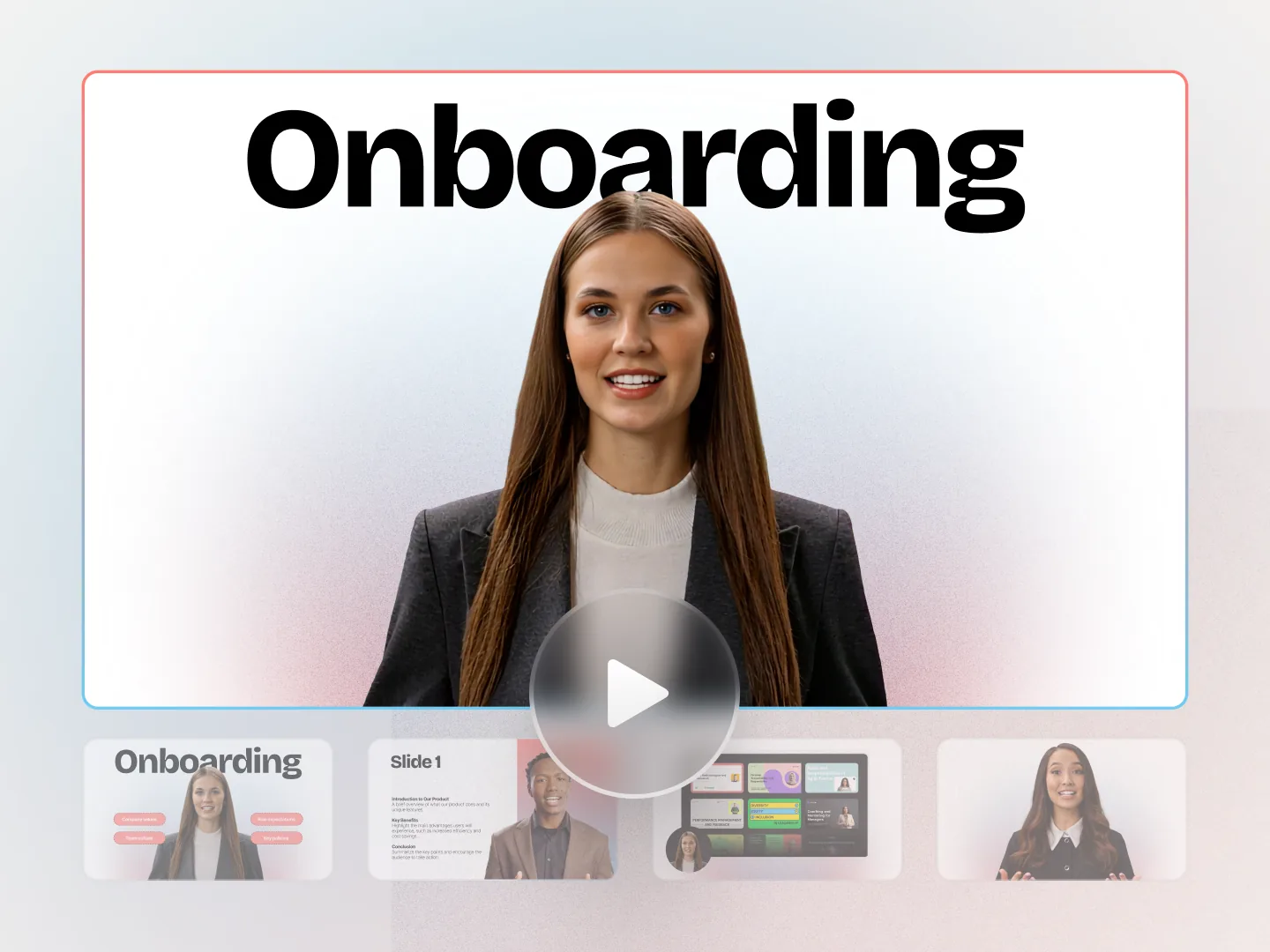
    Employee onboarding

    Day one, in every language a new starter speaks.

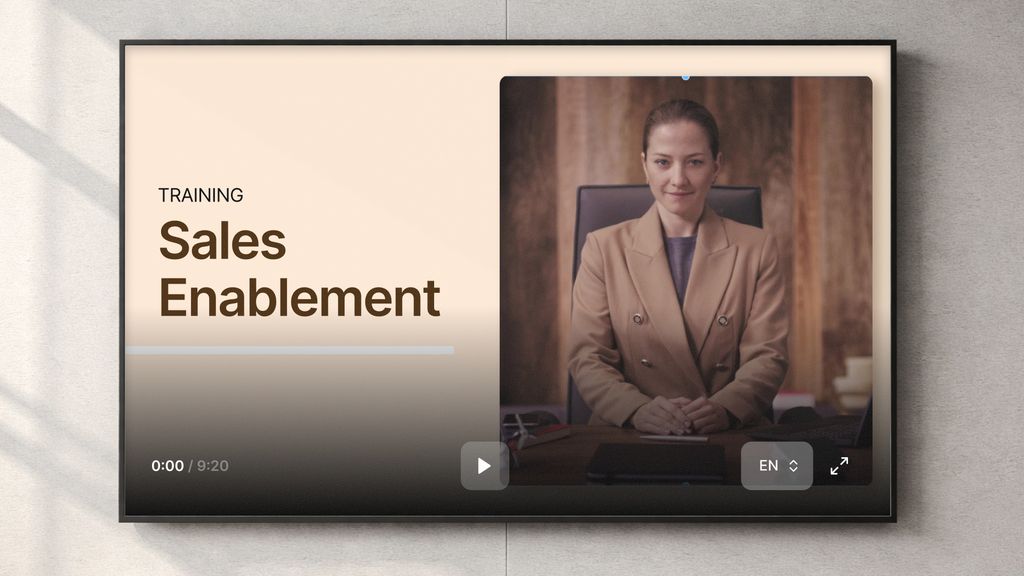
  • Sales enablement training video made with Colossyan

    Sales enablement

    A two minute video instead of a twenty page deck.

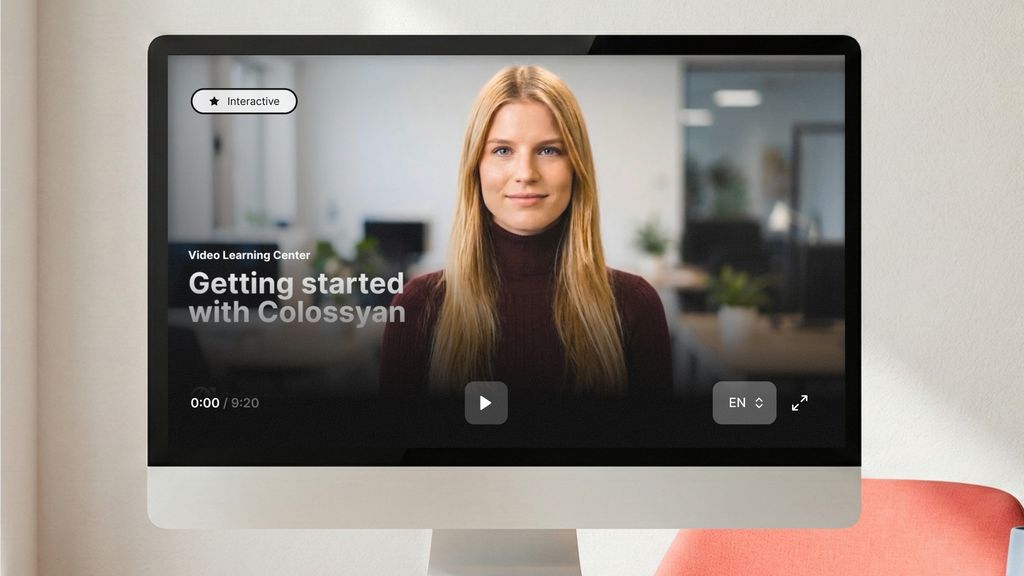
  • Product training training video made with Colossyan

    Product training

    Ship the feature and the training on the same day.

  • Customer education training video made with Colossyan

    Customer education

    Self-serve help that scales past your support team.

  • Internal communications training video made with Colossyan

    Internal communications

    Announcements people actually watch to the end.

How it works

From a document to a branching module, the same afternoon.

Three steps. Nothing renders until you approve it, and drafts and previews are free.

  1. Drop in what you already have

    The policy, the SOP or the deck. Cora reads it and plans the scenes you will branch from.

    Importing a document into Colossyan
  2. Add the choices and the checks

    Drop action buttons and jump-to-scene paths onto any scene, then add in-video quizzes. All of it inside the same project.

    Editing scenes and narration in the Colossyan editor
  3. Publish where training lives

    Export SCORM to your LMS with completion and quiz scores, or share a link. Translate the same project into 100+ languages in one click.

    Exporting a Colossyan training video to an LMS
Why instructional designers pick it

A quiz layer over a clip is not a branching scenario.

Drawing the decision tree is the easy part. The scenes still have to be produced, kept current and tracked in the LMS, in every language you run.

Runs on your stack

SCORM 1.2 and 2004, tested on SCORM Cloud, on the LMS you already own.

  • Moodle
  • Cornerstone
  • Docebo
  • 360Learning
  • TalentLMS
  • Litmos

Completion, quiz scores and bookmark state all carry through, so an interactive module reports like any other course. Included from the Professional plan, unlimited on Enterprise.

  • Choices, not just clicks

    Branching paths and in-video quizzes inside the same project.

  • You see what they did

    Track clicks, completions and quiz results on every interaction.

  • Completion you can report

    SCORM 1.2 and 2004 straight into the LMS you already run.

  • Rewrite a branch, not the shoot

    Change the text and the scene re-renders with the same presenter.

What goes in, what comes out

Every document you already have, out the other side as interactive training.

One upload feeds the video, the questions and the SCORM package. You are not buying a video tool and a scenario tool.

Your knowledge
Ready to ship
PDFs Slides Docs URLs Scripts
Colossyan
Cora drafts, you direct
Training videos Interactive courses, SCORM 100+ language versions Quizzes and assessments Conversational practice

Start from whatever it is in today

Proof

Teams that made training interactive without a second tool.

  • Sonesta 80% cut from video production costs.
  • AFNB 90% less time from document to finished video.
  • AmeriSave 2x more training content, same team.
  • Training content that never goes obsolete

    The ease of content update and cost savings are remarkable. Colossyan's AI technology and its translation capabilities have revolutionized our training processes, especially in a multi-lingual environment like ours.

    Kristin B. Lecturer and Programme Developer, QAQF
  • Like extending our team

    Working with Colossyan feels like we have extended our team. The ease of using Colossyan Creator to create engaging learning materials has been a game changer.

    Jill E. Curriculum Manager, HIIT Training
Before you pick a scenario tool

The decision tree is not the hard part.

A slide-based branching tool
You still have to film or source the video
Choices sit on slides, not on a presenter
A second tool to author, a third to translate
Scoring that may never reach your LMS
Rebuild the scenario when the policy changes
Colossyan
Presenter video and the branching in one project
Buttons, jump-to-scene paths and in-video quizzes
SCORM 1.2 and 2004 from the Professional plan
Clicks, completions and quiz results tracked
Edit the text, the scene re-renders

If you already have the video and only need a quiz layer on top, an open-source plugin does that for free and we would rather you used one. This is for training where the scenes, the choices and the completion record all have to be built and maintained by the same small team.

FAQ

The questions instructional designers ask us first.

Upload the document or script and Colossyan drafts presenter-led scenes from it. Then open the interaction menu and drop action buttons, jump-to-scene paths and in-video quizzes onto the scenes that need them. Publish it as a link, or export SCORM so your LMS records completion and quiz scores. Nothing has to be filmed.

A module where the learner makes a decision and what comes next depends on the choice they made, instead of one fixed timeline. Colossyan builds it two ways: jump-to-scene buttons inside a video, or branching scenarios inside a Colossyan Learn lesson. Both come out as a SCORM package your LMS can track.

Colossyan exports SCORM 1.2 from both Colossyan Video and Colossyan Learn, and SCORM 2004 4th edition from Colossyan Video. Every export is tested against SCORM Cloud, and customers run the packages on Moodle, Cornerstone, Docebo, 360Learning, TalentLMS and Litmos. Completion, quiz scores and progress carry through. Professional includes five SCORM exports a month and Enterprise is unlimited. xAPI is on the roadmap.

Yes. The Colossyan free plan includes the creation features and needs no credit card, so you can build and preview a real training video before you talk to anyone. SCORM export starts on the Professional plan, which is the point at which an LMS is involved.

Nothing. Viewers are unlimited with no per-learner fee, so publishing a module to the whole workforce does not change the bill. Per-seat viewer pricing is the line item that turns a pilot into a budget problem, so it is worth asking every vendor on your shortlist.

Colossyan is SOC 2 Type II audited and GDPR compliant, with SAML single sign-on and a choice of EU or US data residency on Enterprise plans. Security questionnaires and custom agreements are handled before a pilot starts, not after.

See it on your own content

Bring the module people skip. Leave with the interactive version.

Book a 30 minute demo and we build a branching scene from your own training content while you watch. Or start free and try it yourself today.