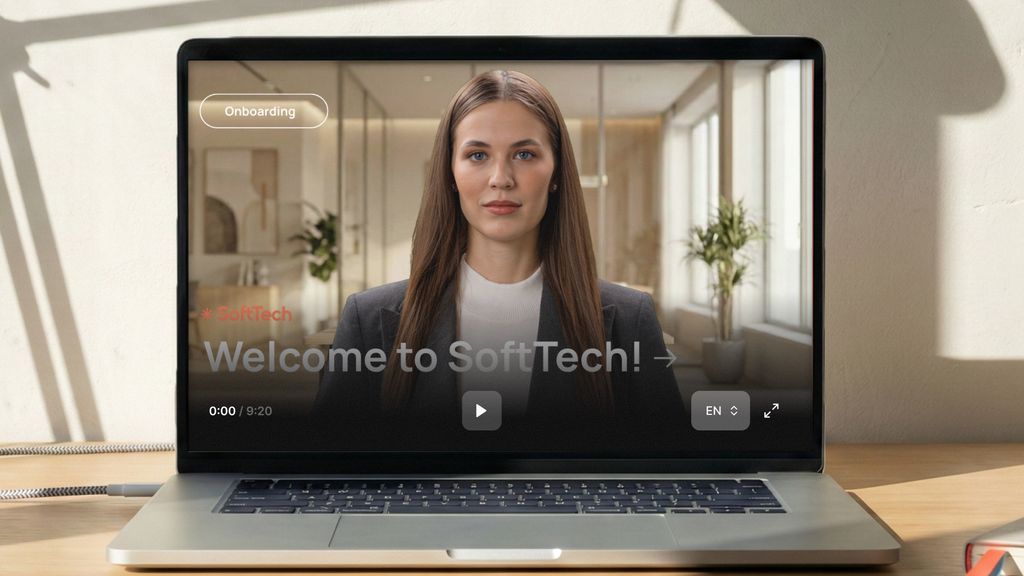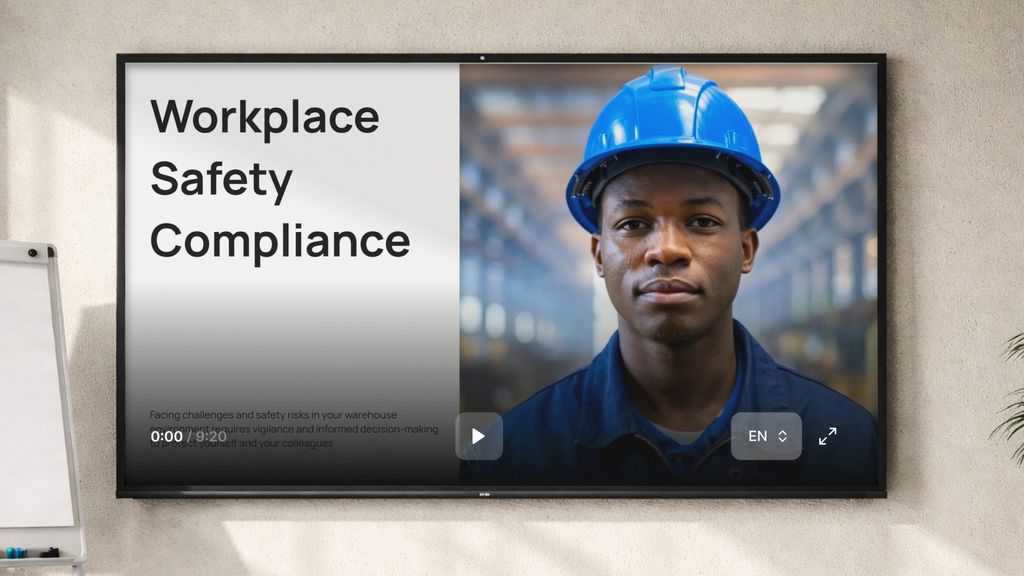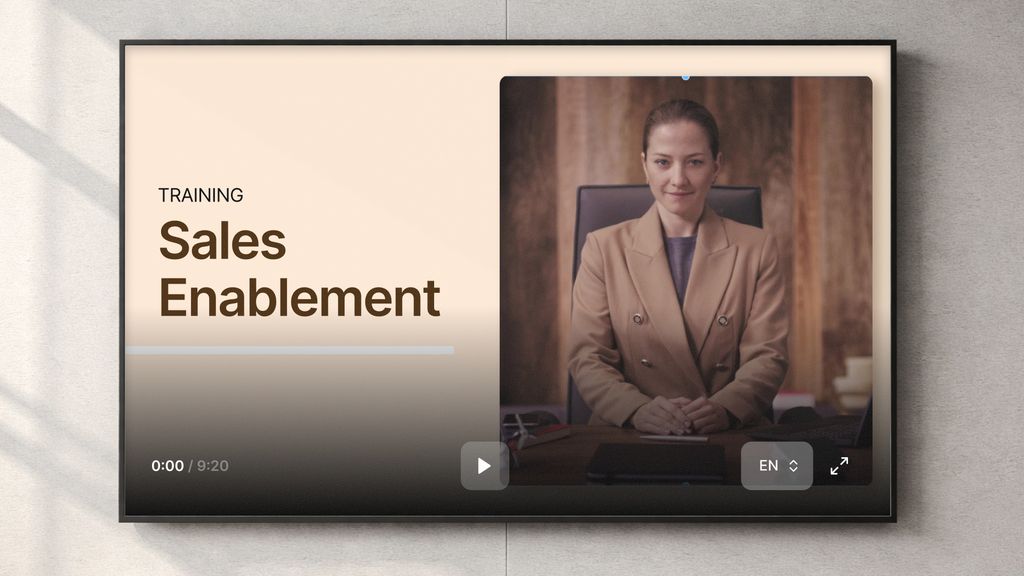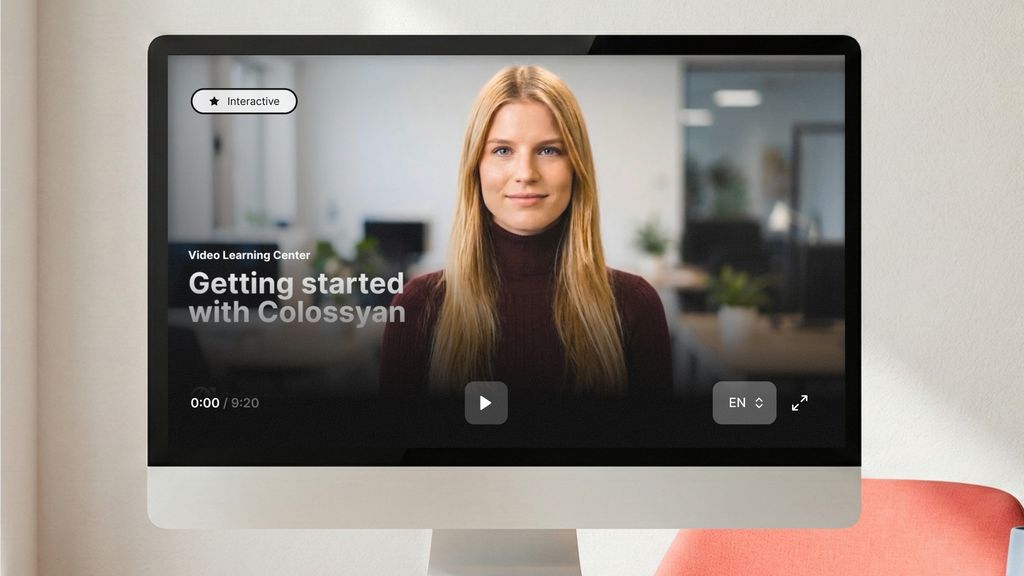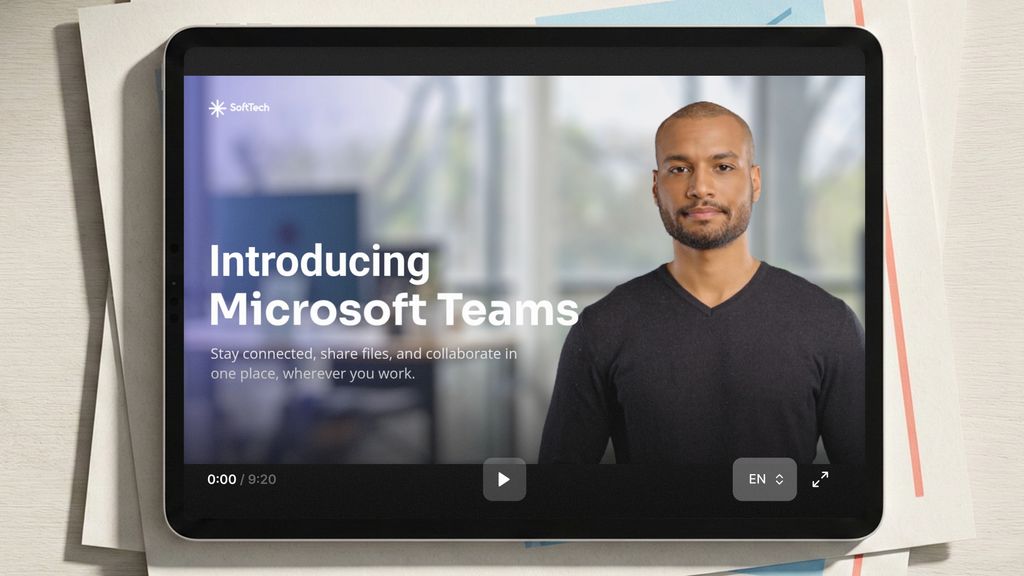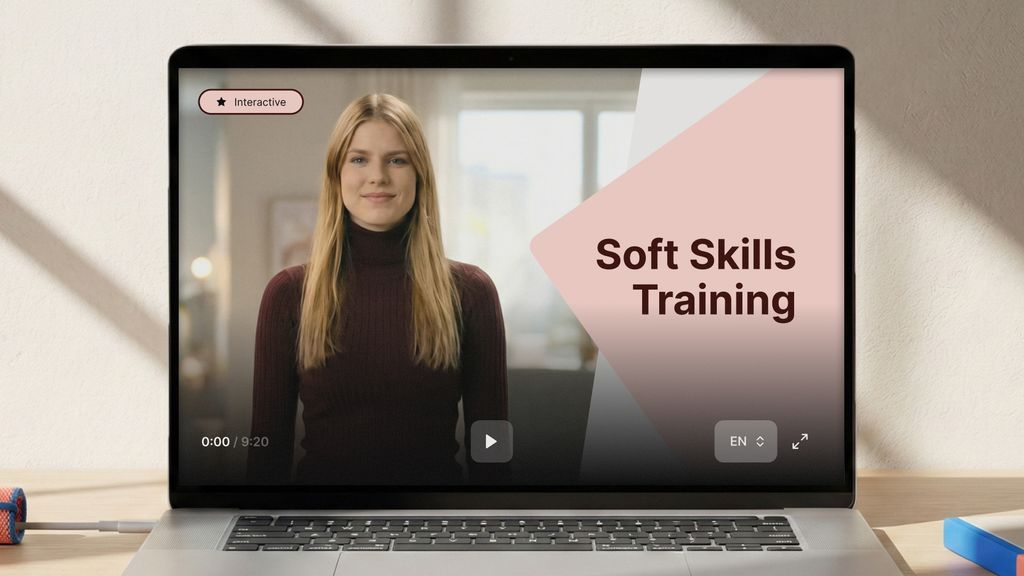






The AI training video generator built for L&D teams.
Turn the documents and decks you already have into presenter-led training videos your LMS can track. No filming, no agency, and no re-recording when the policy changes.
Free plan, no credit card. The demo is 30 minutes on your own training content.


Every document you already have, out the other side as a training video.
One upload feeds all of it. You are not buying a video tool, an authoring tool and a translation vendor.
Start from whatever it is in today
-
PDFs Policies, SOPs and handbooks, including scanned ones. -
PowerPoint and Slides Each slide becomes a scene with its own script. -
Word and Google Docs Headings become scenes, paragraphs become narration. -
A web page or URL Point at a help article or a wiki page and get a training video of it. -
A script you approved Paste it and keep your wording exactly as signed off. -
A video you already made Translate it, or refresh only the parts that changed.
From a document to a finished training video, the same afternoon.
Three steps. Nothing renders until you approve it, and drafts and previews are free.
-
Drop in what you already have
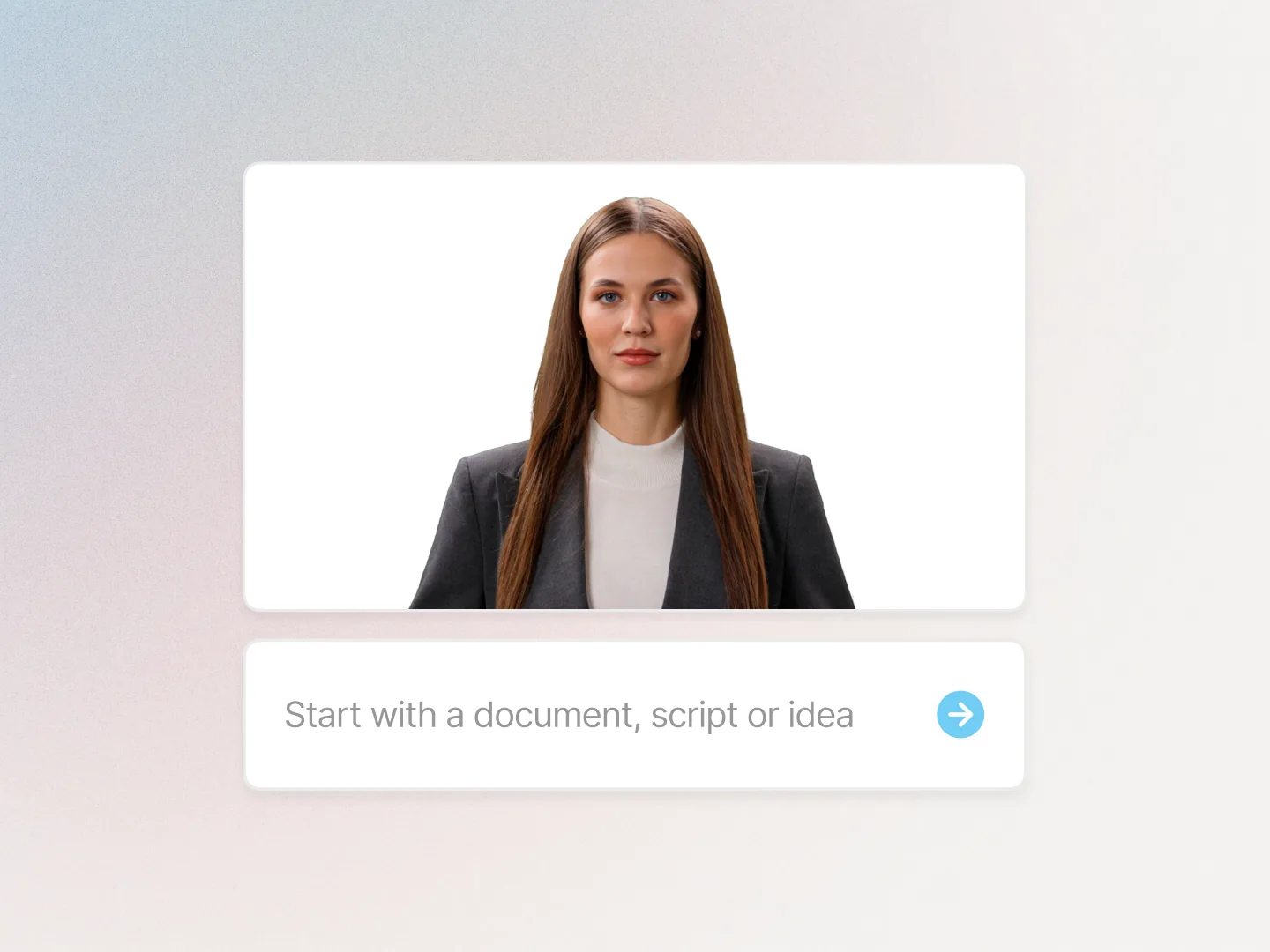
The policy, the SOP, the onboarding deck, or a script. Cora reads it and plans the scenes.
-
Direct it, do not rebuild it
Change any line, swap any scene, add a knowledge check. Drafts and previews are free, and nothing renders until you approve it.
-
Publish where training lives
Push SCORM to your LMS with completion and scores, or share a link. Translate the same project in one click.
A video file is not training. Yours has to reach the LMS.
Every AI video tool can make you a clip. Almost none of them can prove a learner finished it, or keep it right two years from now.
SCORM 1.2 and 2004, tested on SCORM Cloud, on the LMS you already own.
- Moodle
- Cornerstone
- Docebo
- 360Learning
- TalentLMS
- Litmos
Completion, quiz scores and bookmark state all carry through. Included from the Professional plan, unlimited on Enterprise.
-
Completion you can report
SCORM 1.2 and 2004 straight into the LMS you already run.
-
Proof they understood it
Knowledge checks and branching inside the same project. No second authoring tool.
-
Every language, same day
100+ languages with matching voiceover, from one master project.
-
No re-shoot when policy moves
Change the sentence. The scene re-renders with the same presenter.
One library, every kind of training video.
Same avatars, same brand kit, same LMS export. Start with the programme that is overdue.
-
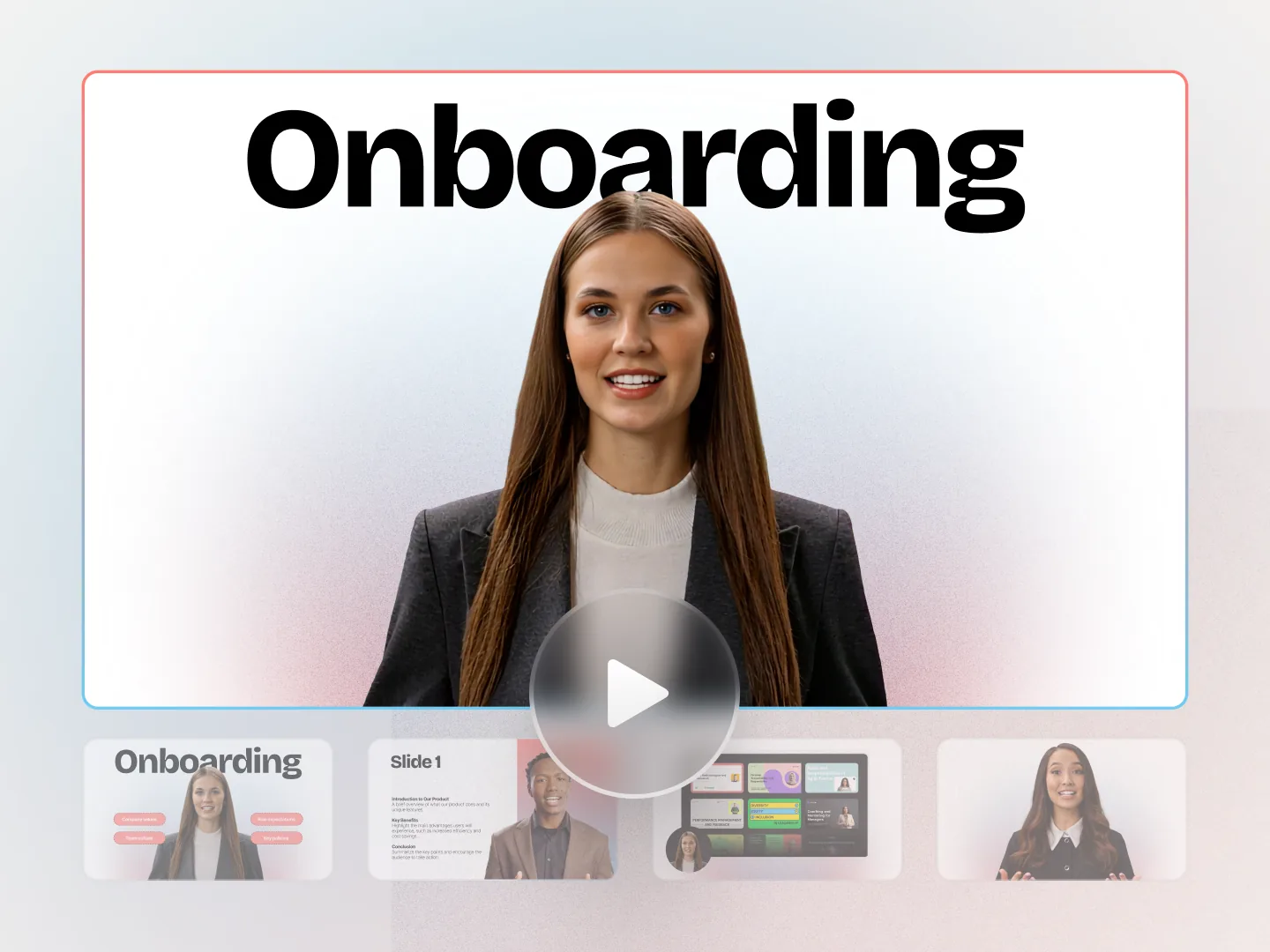
Employee onboarding
Day one, in every language a new starter speaks.
-
Compliance training
The annual refresh without a re-shoot, and completion in the LMS.
-
Sales enablement
A two minute video instead of a twenty page deck.
-
Product training
Ship the feature and the training on the same day.
-
Customer education
Self-serve help that scales past your support team.
-
Internal communications
Announcements people actually watch to the end.
Training teams that stopped outsourcing video.
- Sonesta 80% cut from video production costs.
- AFNB 90% less time from document to finished video.
- AmeriSave 2x more training content, same team.
-
Training content that never goes obsolete
The ease of content update and cost savings are remarkable. Colossyan's AI technology and its translation capabilities have revolutionized our training processes, especially in a multi-lingual environment like ours.
Kristin B. Lecturer and Programme Developer, QAQF -
90% video production cost reduction
With Colossyan, we were able to cut around 90% of our video production costs. We chose Colossyan because we liked their company culture and the quality of their product.
James B. Chief Solutions Officer, Mentor Group
A clip is not a training programme.
If you need one clip for a social post, a free generator is the right tool and we would rather you used one. This is built for training a team has to maintain, translate and deliver through an LMS.
It does not stop at the first video.
Everything below is included in the same account, on the same library, with the same brand kit.
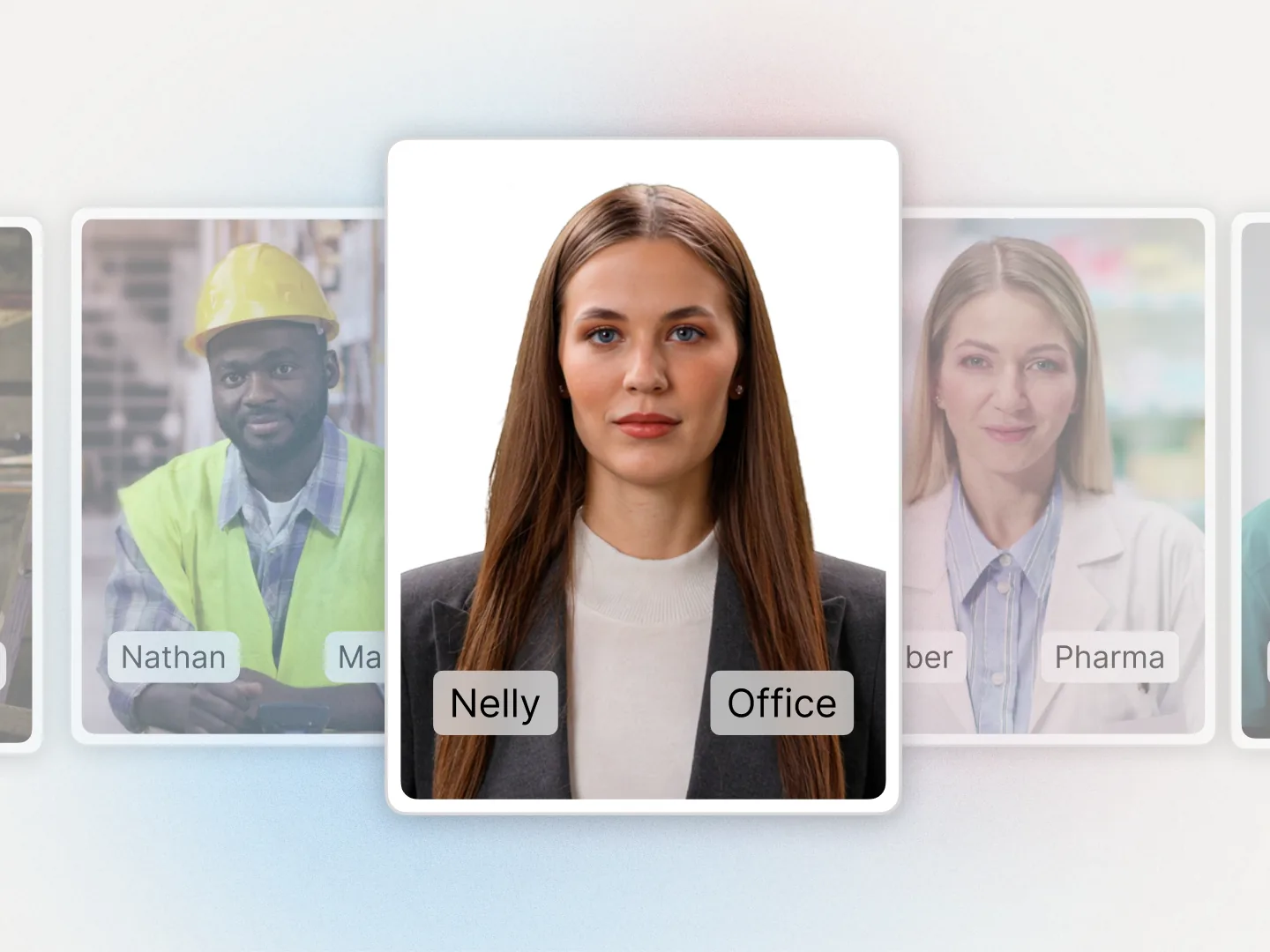
- Custom avatars Clone a real trainer from one short recording.
- Voices and languages 100+ languages, lip-synced delivery.
- Interactive video Click-through choices inside the training.
- SCORM export Package a module for the LMS you run.
- Screen recording Capture a system walkthrough, edit it with AI.
- Video translator Translate training you have already made.
- Templates 100+ starters for training video.
- Collaboration Comments, approvals and version control.
The questions L&D teams ask us first.
It turns a document, slide deck or script into a presenter-led training video with an AI avatar and voiceover, so nothing has to be filmed. Colossyan adds what a training team needs next: knowledge checks, SCORM export to your LMS, 100+ languages, and edits that re-render the video instead of re-recording it.
Yes. The Colossyan free plan includes the creation features and needs no credit card, so you can build and preview a real training video before you talk to anyone. SCORM export starts on the Professional plan, which is the point at which an LMS is involved.
Colossyan exports SCORM 1.2 from both Colossyan Video and Colossyan Learn, and SCORM 2004 4th edition from Colossyan Video. Every export is tested against SCORM Cloud, and customers run the packages on Moodle, Cornerstone, Docebo, 360Learning, TalentLMS and Litmos. Completion, quiz scores and progress carry through. Professional includes five SCORM exports a month and Enterprise is unlimited. xAPI is on the roadmap.
Nothing. Viewers are unlimited with no per-learner fee, so publishing a module to the whole workforce does not change the bill. Per-seat viewer pricing is the line item that turns a pilot into a budget problem, so it is worth asking every vendor on your shortlist.
Colossyan is SOC 2 Type II audited and GDPR compliant, with SAML single sign-on and a choice of EU or US data residency on Enterprise plans. Security questionnaires and custom agreements are handled before a pilot starts, not after.
Custom avatars are recorded with consent and used only for your account. Ask any vendor to put that in writing before you record anyone.
Bring one policy. Leave with the video.
Book a 30 minute demo and we build a training video from your document while you watch. Or start free and try it yourself today.